September 16th, 2025
New
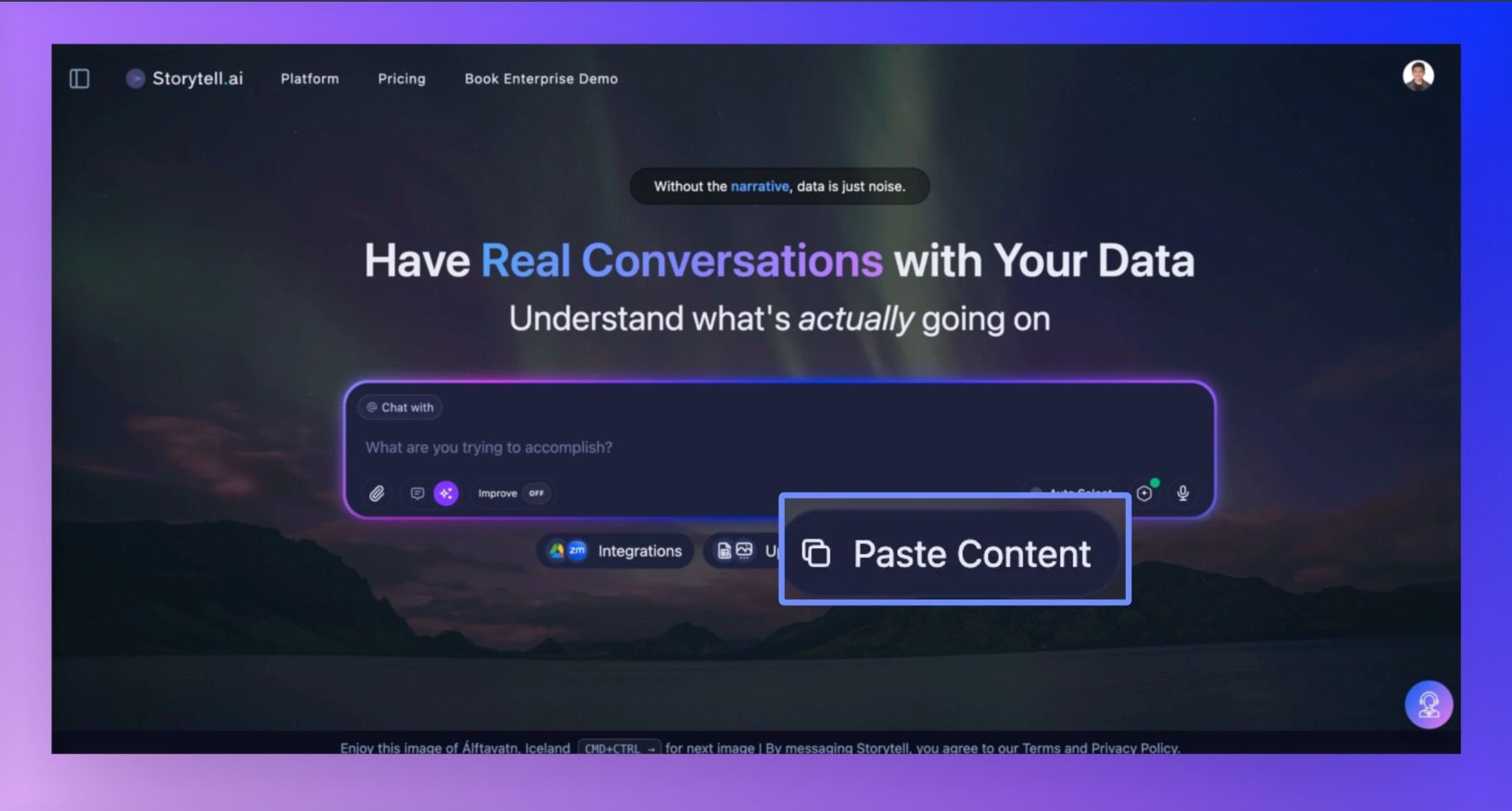
Paste to upload content
We've been watching how you work with Storytell, and one thing kept coming up: the extra steps needed to get text content into Storytell. You'd write something, save it as a file, then upload it. We thought there had to be a better way.
Here's what changed:
New "Paste Content" button right next to your Upload Files option
Simple two-field form where you add a title and paste your content
Instant upload - Storytell turns your pasted content into an asset you can view in your Knowledge base
Perfect for when you're:
Copying research notes from another app
Pasting articles or documentation you found online
Adding meeting transcripts or interview notes
Moving content from Google Docs, Notion, or any text editor
Write a comment...