December 19th, 2025
New
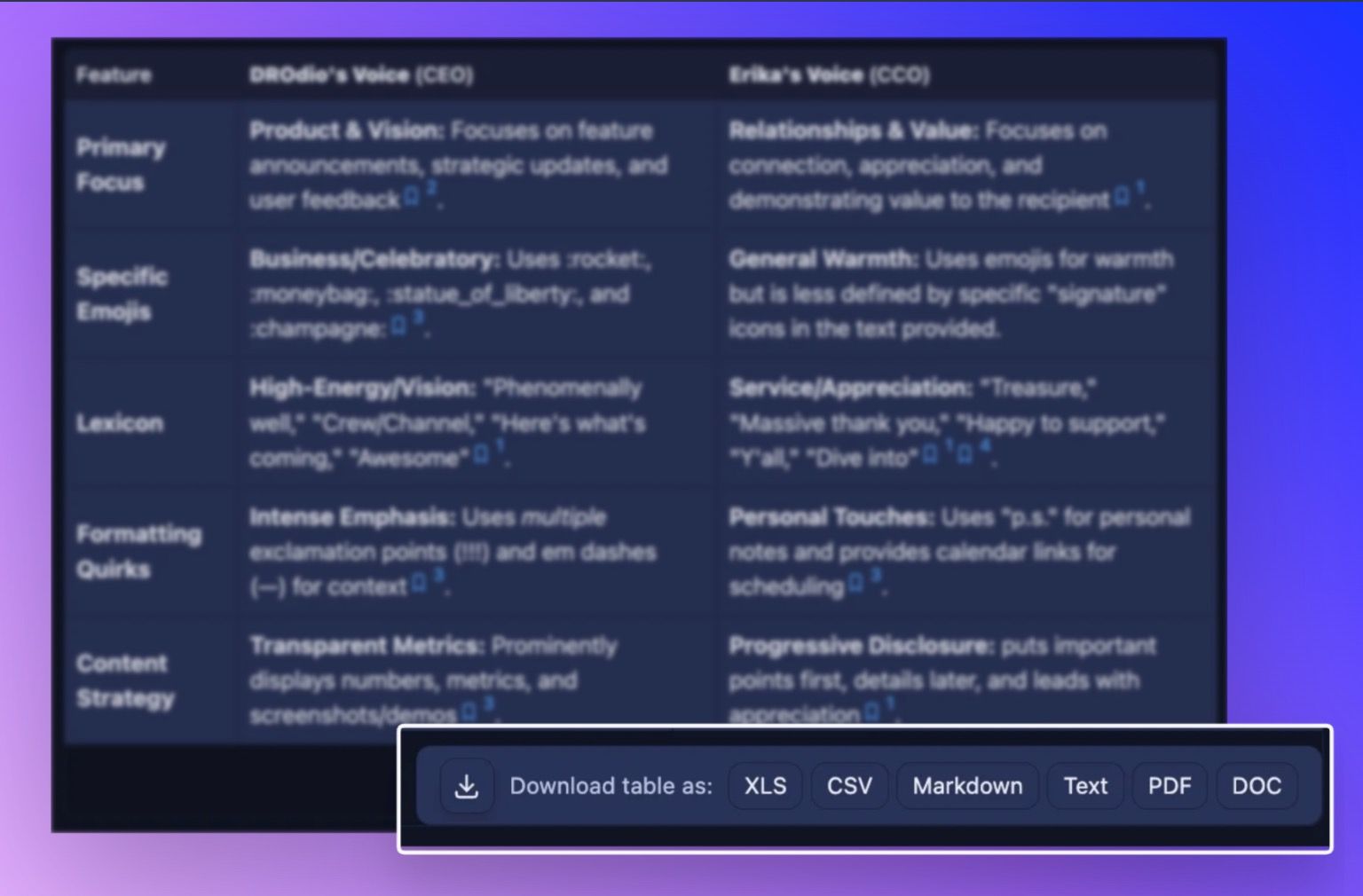
Download tables and answers in any format you need
Here's the thing about AI Responses: they're incredibly useful in the moment, but the real value comes when you can take that work and use it elsewhere. Maybe you need to crunch those numbers in Excel. Maybe you want to drop that competitive analysis into a presentation. Maybe you just need a clean PDF for your stakeholders who aren't in Storytell yet.
What you can now do:

Every table and full answer in SmartChat™ now has a download button with six different export options:
XLS (Excel) – Perfect for data analysis with auto-sized columns that actually look good
CSV – The universal data format that works everywhere
Markdown – Keep all your formatting for documentation
Text – Clean, simple plain text
PDF – Polished, shareable documents ready for meetings
DOC – Drop right into Word for reports and presentations
Plus a quick Copy button when you just need to grab data fast.
🚀 Pro-Tip: after copying, a second Markdown copy option appears for 3 seconds if you need formatted text instead.
Who this helps most:
If you're analyzing data, building reports, or sharing insights with people outside Storytell, this changes your workflow completely. No more manual copy-paste gymnastics or screenshot workarounds.
How it works:
Look for the download button below any table or at the bottom of full answers in your SmartChat™ threads. Click it, pick your format, and you're done. The files even get smart names using the date, time, and relevant context from your chat—so "Q4-Revenue-Analysis.xlsx" instead of "download-1.xlsx".
For Excel files specifically, we're generating them right in your browser (not sending your data anywhere), and the columns automatically size themselves so you don't have to fiddle with formatting.
Get started here: Downloading Tables & Answers
Other improvements
Smarter duplicate detection
When you're uploading files to your Collections, Storytell now checks if you're about to add something that's already there. Not just by name—by actual file contents using MD5 hashing. If we catch a duplicate, you'll see a clear error message instead of wondering why you have three copies of the same quarterly report.
Automatic contributor tracking
Save an artifact to your knowledge base and we'll automatically add labels showing who added it and when. Your Collections now have a built-in audit trail without you lifting a finger. The labels show up as "Added by [your name]" and "Added on [date & time]" so everyone knows the provenance of shared knowledge.