September 11th, 2025
New
Improved
Fixed
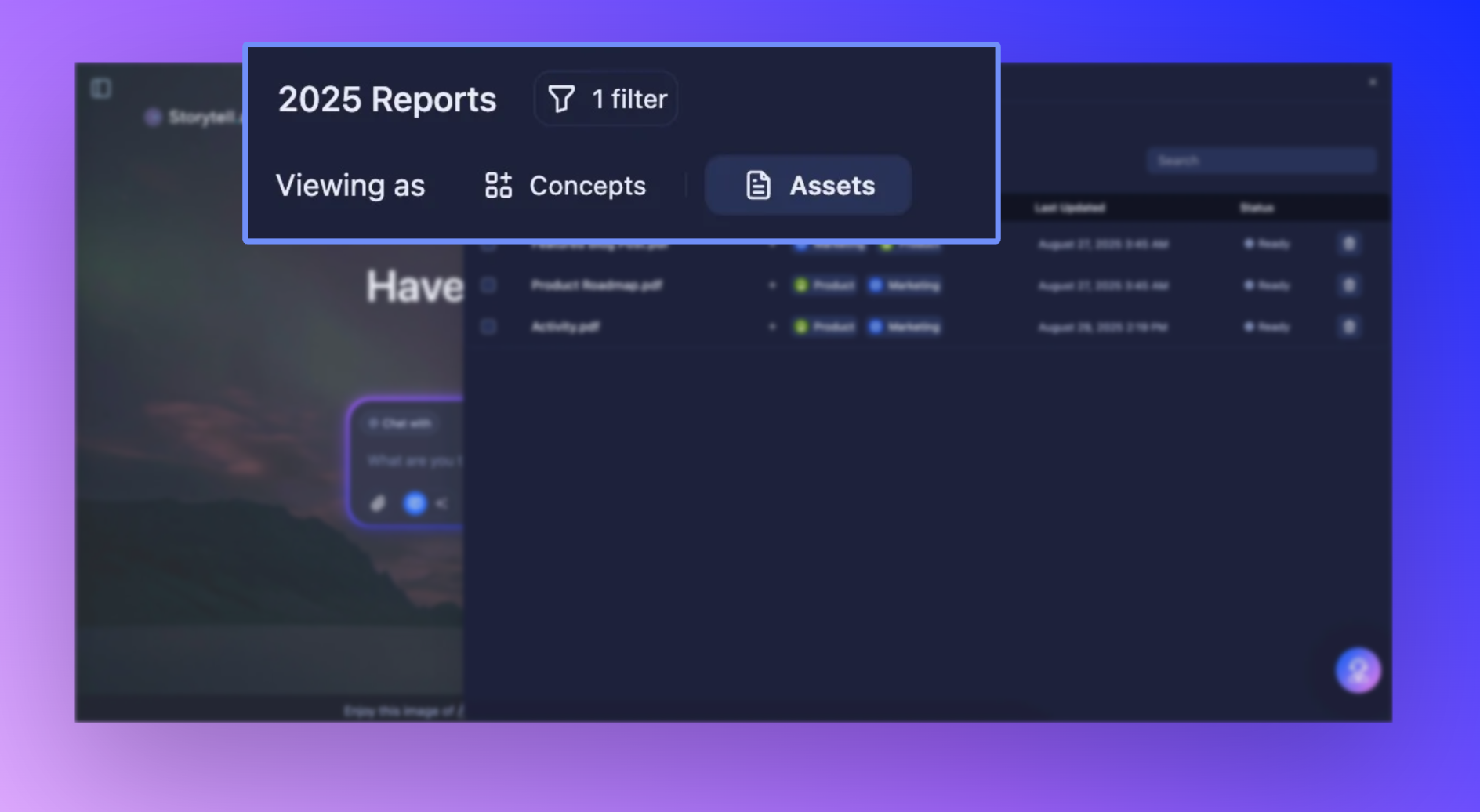
Data Views and Unified knowledge panel
We've redesigned how you work with your data views and knowledge panels—making it faster and more intuitive to explore and organize your information.
This week, we focused on two big improvements that many of you have been asking for: smarter data filtering and a cleaner knowledge experience. Here's what's new.
Data Views

Ever wished you could save your filters and use it everywhere—in prompts, in your knowledge panel, or even just to organize your thoughts? Good news! Now, when you save a Data View in Storytell, it transforms from a fancy folder into a living, breathing part of your workflow.
What's different: Instead of simple asset, concept, or label lists, you now have sophisticated filter groups that work together with AND/OR logic.
How it works: The new filter builder uses a group-based system where each group can contain multiple filters connected by AND/OR operators. Groups can then be combined with other groups using additional operators, giving you nested Boolean logic capabilities. For example:
Group 1:
[Label: "Legal Documents" AND Concept: "Contracts"]OR
Group 2:
[Label: "Finance" AND Concept: "Quarterly Reports"]
This creates Data Views that surface exactly the knowledge you need, when you need it, without the noise.
Get started here: Data Views Overview
Unified Knowledge Panel

Say goodbye to switching between separate panels for assets and concepts. We've consolidated everything into one streamlined knowledge panel that handles both.
The old way: You had to navigate between different panels depending on whether you were working with assets or concepts, which meant more clicks, more context switching, and more cognitive overhead.
The new way: One unified panel for all actions. Whether you're looking for a document, a concept, or moving between both, everything you need is right there in a single, consistent interface.
Concept graph enhancements
Updated colors, sizing, and styling for concept nodes and links
Improved concept slider controls
Concept seeds now filter based on your active filter context
Better relationship caching between concepts and assets
SmartChat™ improvements
Enhanced context building for more relevant responses
Better knowledge retrieval and filtering
Improved sync performance and reliability
Interface polish
Fixed multiple label application issues
Better optimistic updates when creating labels
Improved asset lifecycle state handling
Smoother knowledge panel transitions